How to preload GTA 6, step by step
Step-by-step: how to preload GTA 6 on PS5 and Xbox Series X|S from November 10, how to make it download while you sleep, and what to do with a code-in-box copy.
Published
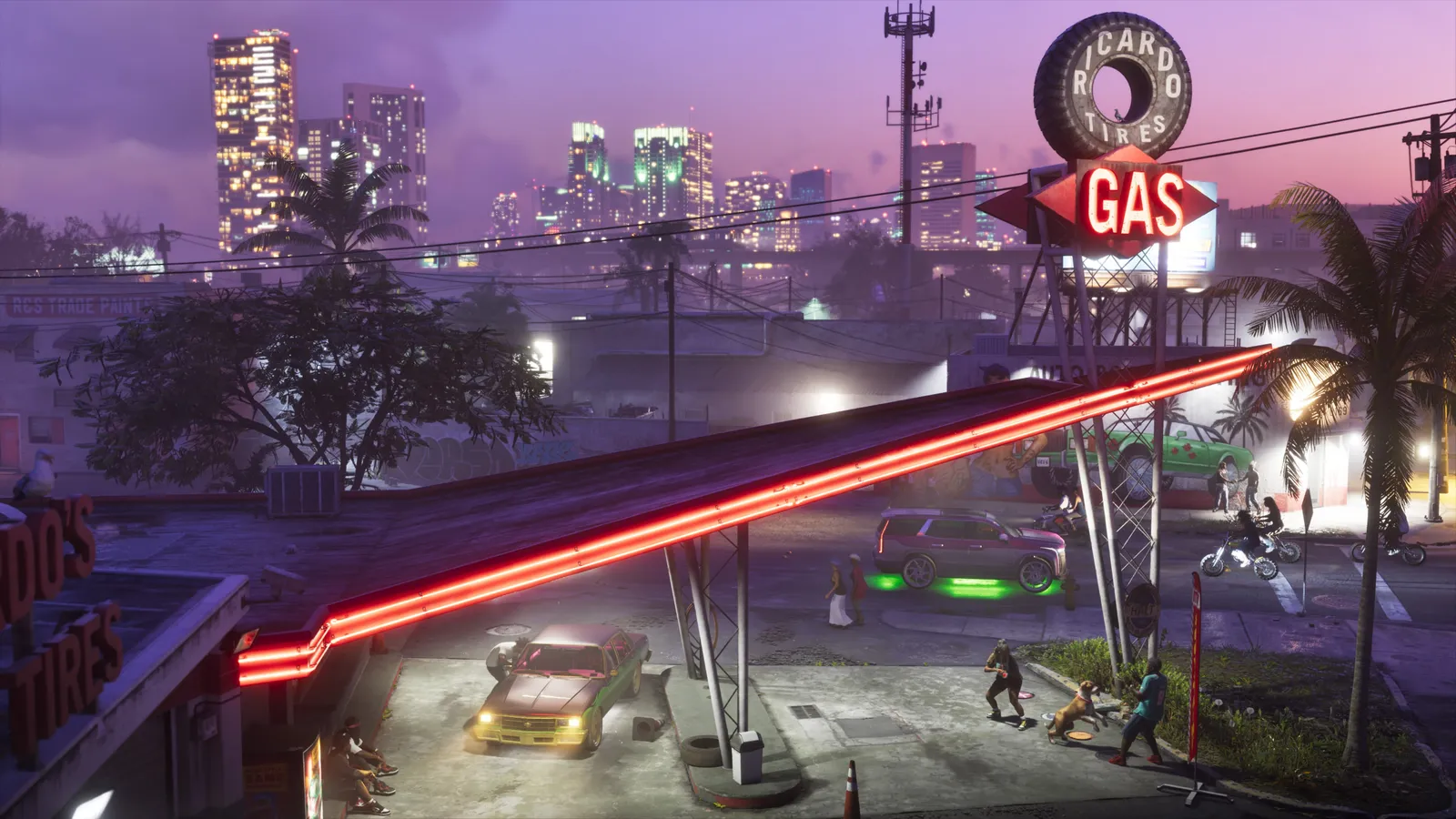
Preloading means the game downloads before launch, so on November 19 you just press play. GTA 6 is up to 212 GB, so on a slow connection this can take a day or more. Start the moment it opens.
When it opens (official):
| Console | Preload starts |
|---|---|
| PS5 | November 10, midnight in your local time |
| Xbox Series X|S | November 10, 12 a.m. GMT (evening of Nov 9 in the US) |
Exact start times for your time zone: GTA 6 preload times on Vice Cheats.
Before November 10: three things to check
- You own the game digitally. Preload only works with a digital pre-order (or a redeemed code-in-box code, see below).
- You have at least 250 GB free. 212 GB for the game plus room for a patch. How to free up space.
- Auto-download is on, so the console starts by itself.
PS5: step by step
- Go to Settings → System → Power Saving → Features Available in Rest Mode.
- Turn on Stay Connected to the Internet.
- Go to Settings → Saved Data and Game/App Settings → Automatic Updates and turn on Auto-Download and Auto-Install in Rest Mode.
- On November 10, open your Game Library, find Grand Theft Auto VI and choose Download if it hasn’t started on its own.
- Put the PS5 in rest mode (hold the PS button → Power → Enter Rest Mode). It keeps downloading.
Xbox Series X|S: step by step
- Go to Settings → General → Power options and choose Sleep (not “Shutdown”).
- Go to Settings → System → Updates and turn on Keep my games & apps up to date.
- On November 10 (12 a.m. GMT), open My games & apps → Full library → Owned games, find Grand Theft Auto VI and choose Install.
- Check Manage → Queue to see the progress. You can leave the console in sleep mode.
Tip: you can also start the download from your phone with the PlayStation App or Xbox app while you’re out.
Code-in-box copies
Rockstar confirmed the boxed versions are code-in-box: there’s a download code inside, not the game on a disc. They should be in stores around November 12.
- PS5: PlayStation Store → ⋯ → Redeem Code, type the code, then download from the Game Library.
- Xbox: Store → Redeem, type the code, then install from Full library.
Buy it early in the week if you can: the download is the same 212 GB.
Make the download faster
- Use a cable. Wired Ethernet is usually much faster and steadier than Wi‑Fi.
- Pause other downloads and updates on the console and on other devices at home.
- Don’t play online games while it downloads.
- Let it run overnight in rest/sleep mode.
Launch day
GTA 6 unlocks on November 19, 2026. If you preloaded, a small update may still need to download first, so turn the console on a little early.
Quick answers
When can I preload GTA 6?
From November 10, 2026: midnight local time on PS5, and 12 a.m. GMT on Xbox Series X|S.
Can I preload GTA 6 with a physical copy?
Physical copies are code-in-box: you redeem the code in the box and the game downloads like a digital copy. They reach stores around November 12.
Do I have to stay awake for the preload?
No. Leave the console in rest mode (PS5) or sleep mode (Xbox) with internet on, and it downloads by itself.
Gear up for Leonida
- Grand Theft Auto VI Pre-order: $79.99 Standard / $99.99 Ultimate Check price →
- PlayStation 5 console GTA 6 launches on PS5 Check price →
- Xbox Series X Also day-one on Xbox Series X|S Check price →
- 2TB NVMe SSD for PS5 Open-world games eat storage Check price →
We may earn a commission from qualifying purchases. It doesn't change the price you pay.
Keep reading

Physical or digital GTA 6?
GTA 6's boxed version is code-in-box: no disc, just a download code. What that means for preload, resale, collectors and your storage, and which version to buy.
Make room for GTA 6, step by step
Step-by-step: where to find what's eating your PS5 or Xbox storage, what to delete or move to USB, and which upgrades can actually run GTA 6.

Which console should you play GTA 6 on?
GTA 6 is on PS5 and Xbox Series X|S only. What each console means for storage, price and convenience — and what Rockstar has (and hasn't) said about performance.