Make room for GTA 6, step by step
Step-by-step: where to find what's eating your PS5 or Xbox storage, what to delete or move to USB, and which upgrades can actually run GTA 6.
Published
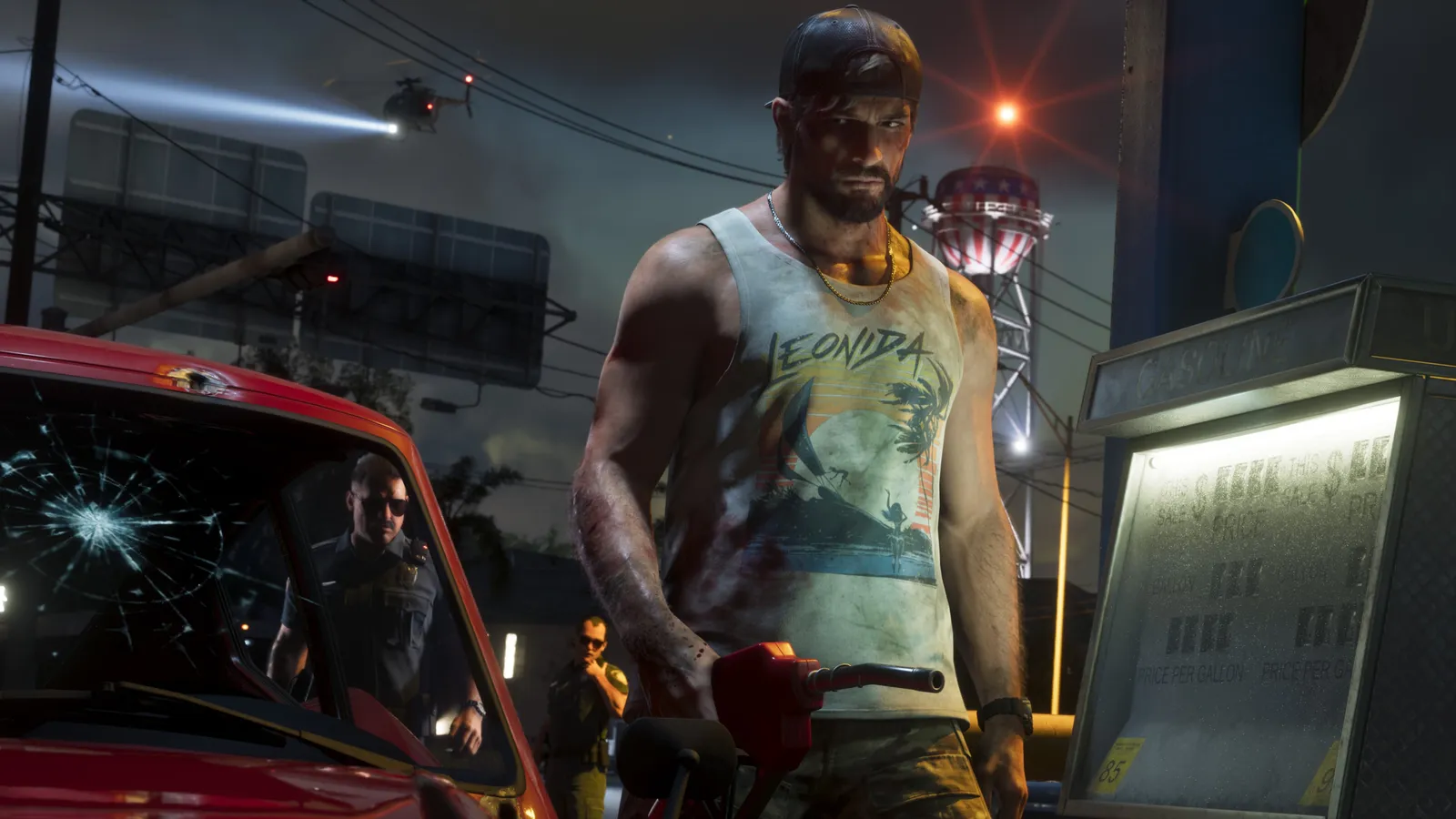
Rockstar says GTA 6 needs up to 212 GB (the file size news on Vice Cheats). Aim for 250 GB free, so a launch patch fits as well.
How much space your console really has
Part of every console’s drive is used by the system, so the number on the box isn’t what you get.
| Console | On the box | Roughly usable | Room after GTA 6 |
|---|---|---|---|
| PS5 (original) | 825 GB | ~667 GB | ~455 GB |
| PS5 Slim | 1 TB | ~848 GB | ~636 GB |
| PS5 Pro | 2 TB | ~1.8 TB | plenty |
| Xbox Series X | 1 TB | ~802 GB | ~590 GB |
| Xbox Series S | 512 GB | ~364 GB | ~152 GB |
| Xbox Series S | 1 TB | ~802 GB | ~590 GB |
Usable sizes are approximate and depend on system updates.
Fastest ways to make room
- Delete the biggest games you’re done with. Call of Duty, Warzone and other live-service games often take 100–250 GB each. You can download them again later.
- Delete game captures. Videos add up fast. PS5: Media Gallery. Xbox: Capture & share → Recent captures → Manage.
- Remove extra language packs and add-ons you don’t use (Xbox: Manage game and add-ons).
- Move old games to a USB drive instead of deleting them (see below).
Where to see what’s using space:
- PS5: Settings → Storage → Console Storage → Games and Apps (sort by size).
- Xbox: Settings → System → Storage devices → your drive.
USB drives: storage yes, playing no
A USB hard drive helps, but not the way many people think:
- You can’t run GTA 6 from it. PS5 games and Xbox Series X|S games have to run from the internal SSD or a supported expansion.
- You can park other games on it. Move games you aren’t playing right now to the USB drive, then move them back later. That’s faster than downloading again.
Upgrades that can run GTA 6
If you want more space for good:
- PS5: an M.2 NVMe SSD in the expansion slot (PCIe Gen4, with a heatsink). Install it with the console unplugged; Sony has a step-by-step guide.
- Xbox Series X|S: an official Storage Expansion Card that plugs into the back. Games run from it just like from the internal drive.
Both are plug-in upgrades, so no data is lost on the internal drive.
Checklist
- At least 250 GB free
- Big old games deleted or moved to USB
- Captures cleaned up
- Auto-download on for the preload on November 10
Use our interactive launch checklist to tick these off.
Quick answers
How much space does GTA 6 need?
Up to 212 GB according to Rockstar. Keep about 250 GB free so a patch fits too.
Can I play GTA 6 from a USB hard drive?
No. On PS5 and Xbox Series X|S, current-gen games must run from the internal SSD or an approved expansion (an M.2 SSD on PS5, an expansion card on Xbox). A USB drive can only store games you are not playing.
Is the Xbox Series S big enough for GTA 6?
The 512 GB Series S has roughly 364 GB usable, so GTA 6 fits, but you will have room for little else.
Gear up for Leonida
- Grand Theft Auto VI Pre-order: $79.99 Standard / $99.99 Ultimate Check price →
- PlayStation 5 console GTA 6 launches on PS5 Check price →
- Xbox Series X Also day-one on Xbox Series X|S Check price →
- 2TB NVMe SSD for PS5 Open-world games eat storage Check price →
We may earn a commission from qualifying purchases. It doesn't change the price you pay.
Keep reading
Physical or digital GTA 6?
GTA 6's boxed version is code-in-box: no disc, just a download code. What that means for preload, resale, collectors and your storage, and which version to buy.
How to preload GTA 6, step by step
Step-by-step: how to preload GTA 6 on PS5 and Xbox Series X|S from November 10, how to make it download while you sleep, and what to do with a code-in-box copy.
Which console should you play GTA 6 on?
GTA 6 is on PS5 and Xbox Series X|S only. What each console means for storage, price and convenience — and what Rockstar has (and hasn't) said about performance.